1. Log into your HBA account (www.hbanet.org)
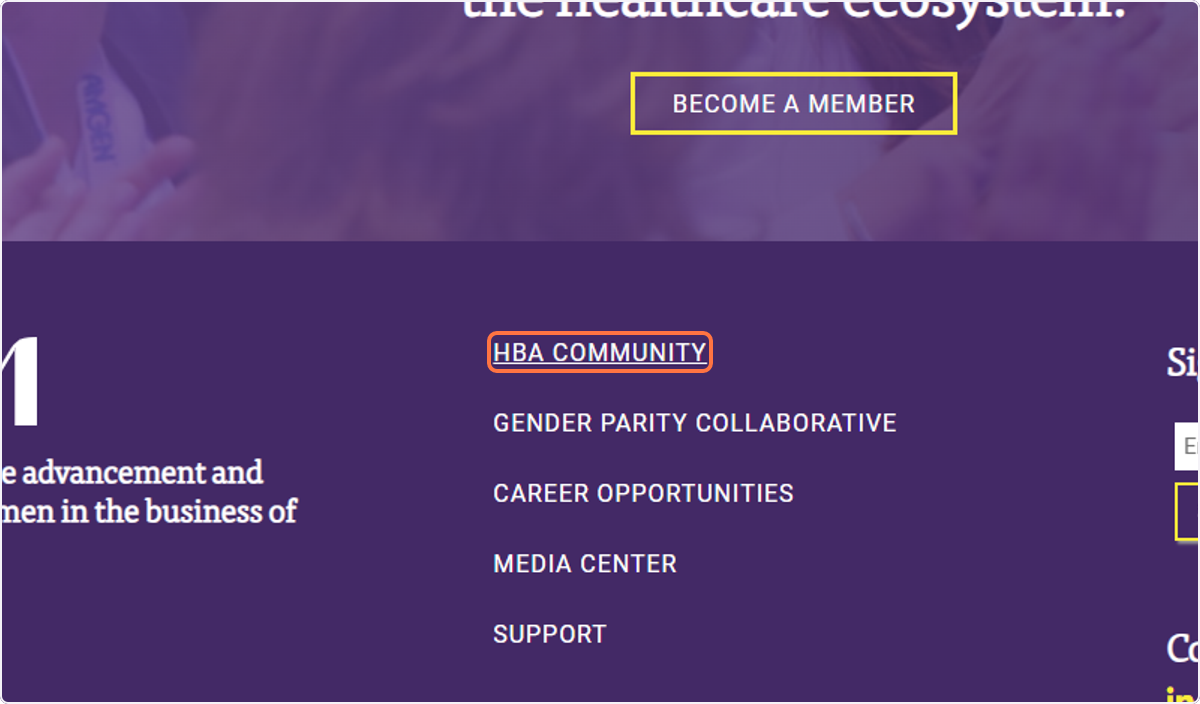
2. Click on HBA COMMUNITY
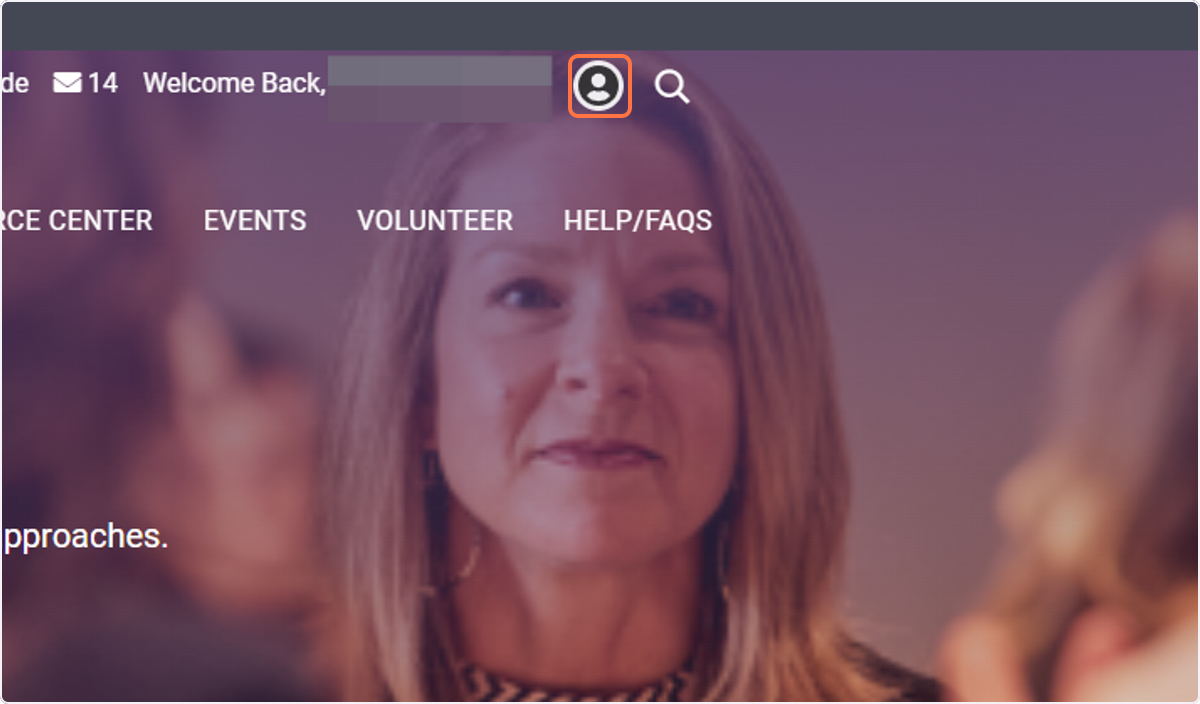
3. Click on your profile icon
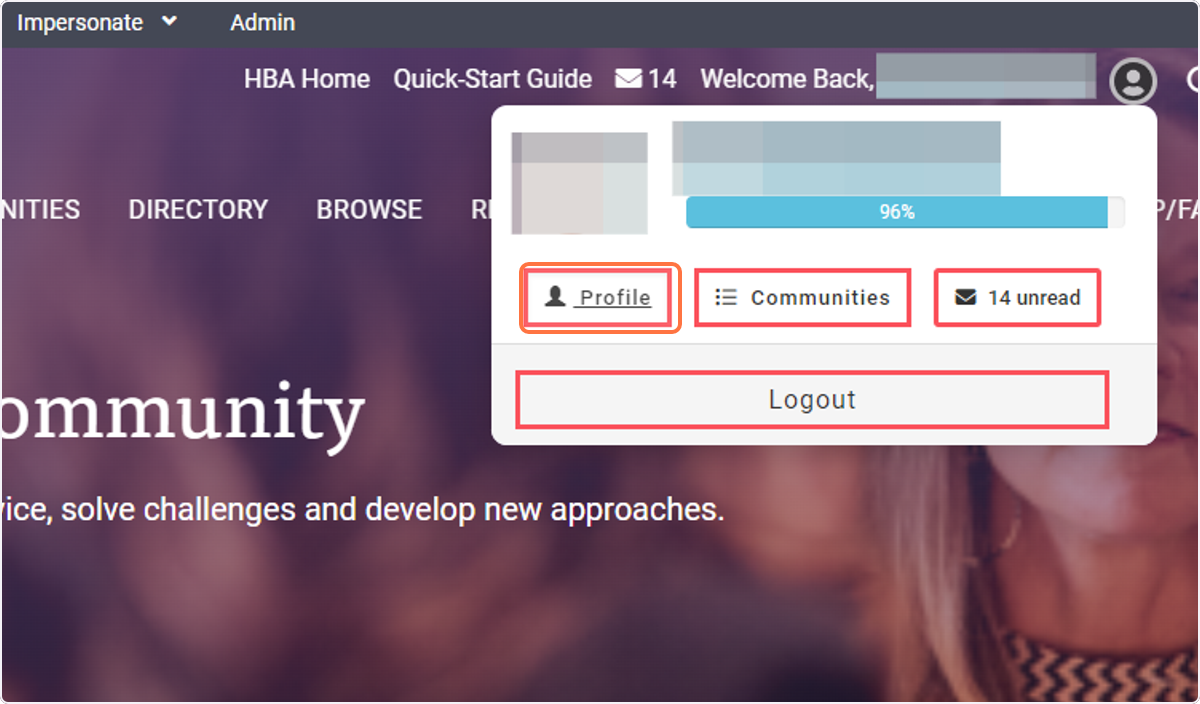
4. Click on Profile
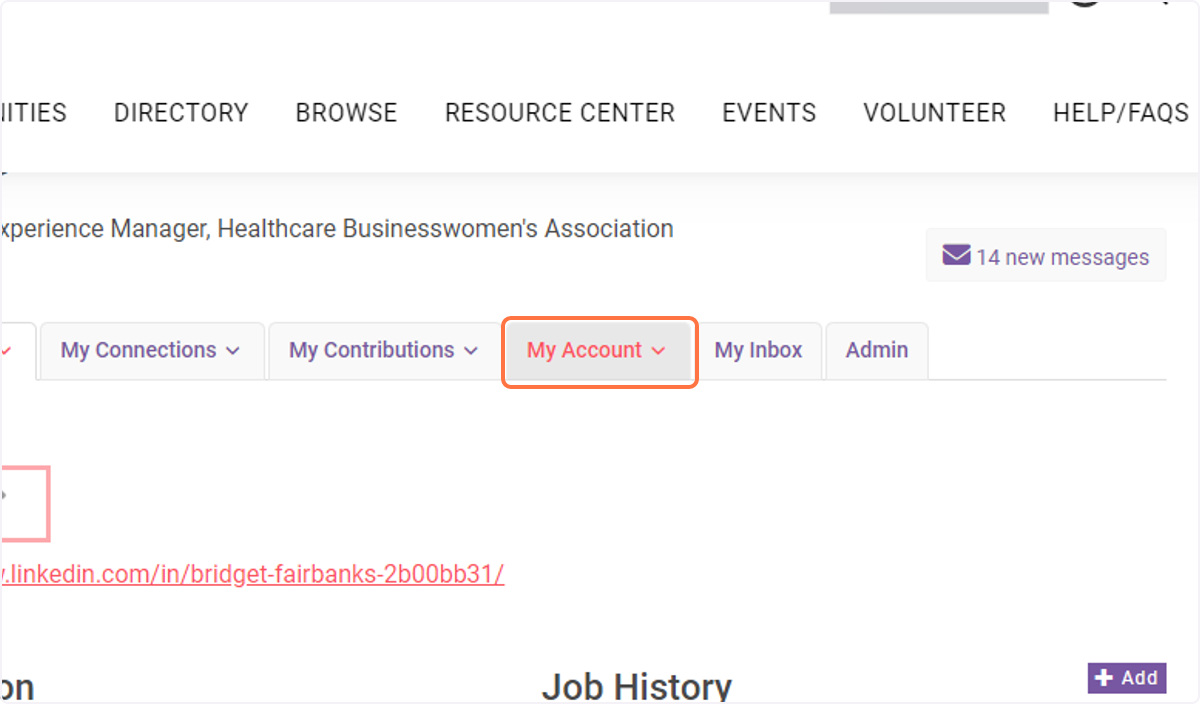
5. Click on My Account
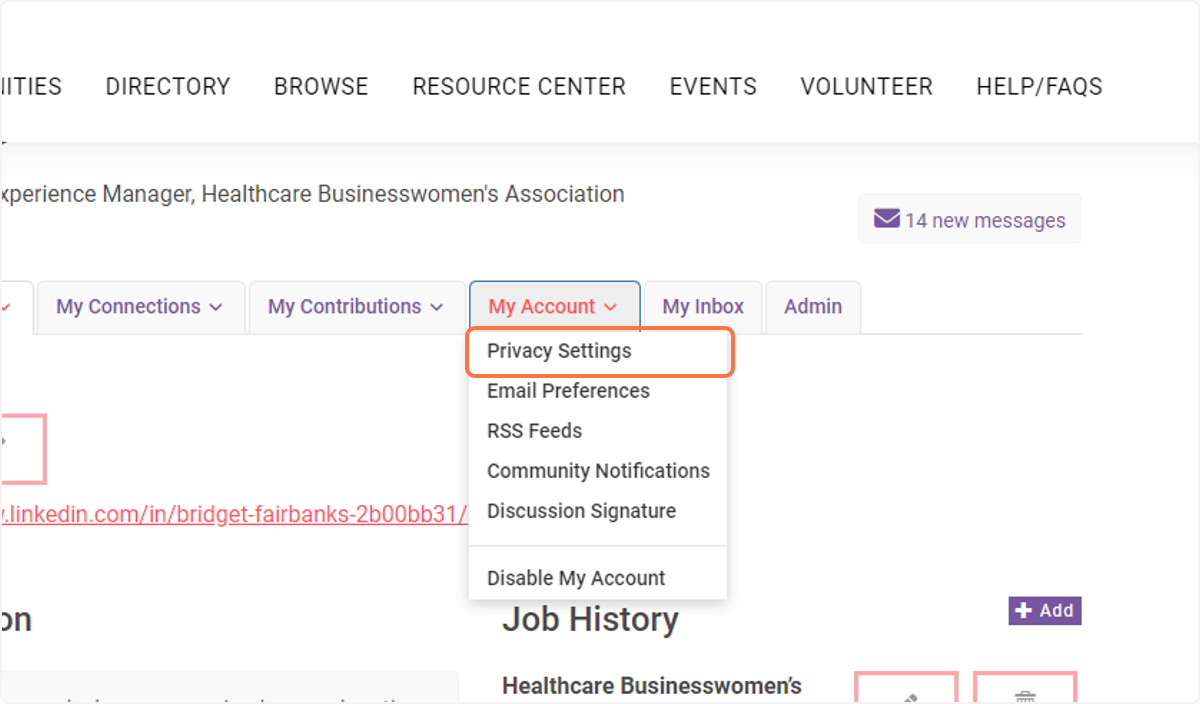
6. Click on Privacy Settings
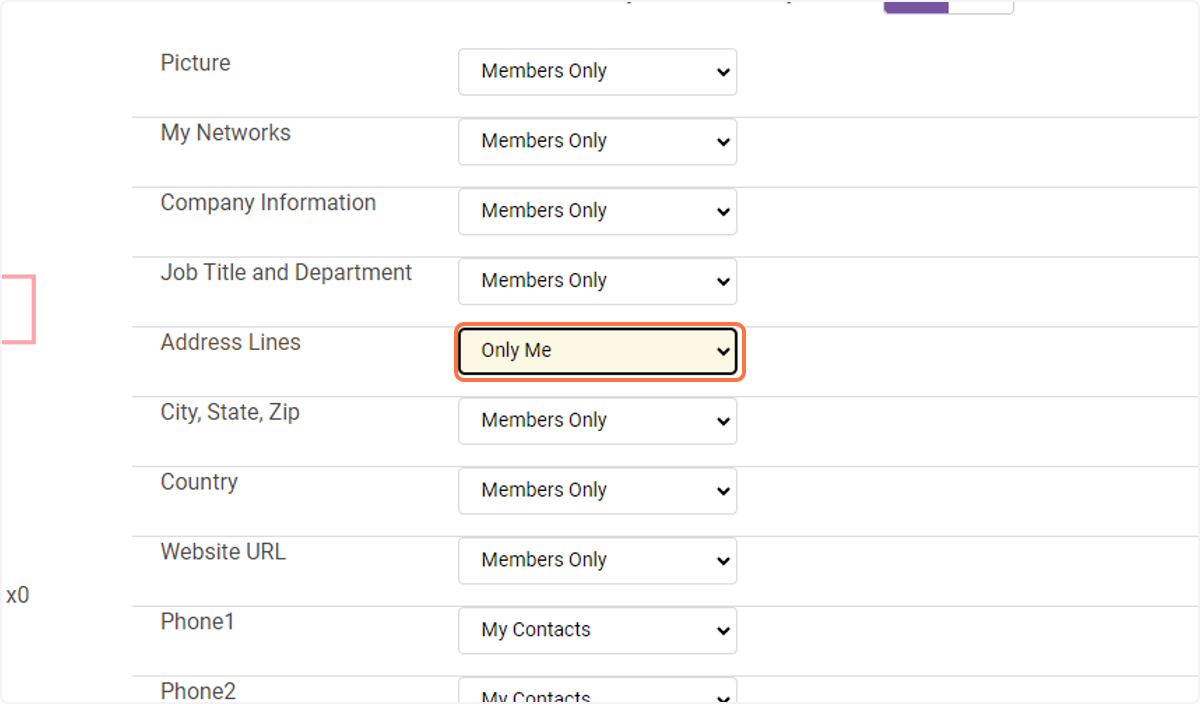
7. Click on the field you want to change the privacy settings
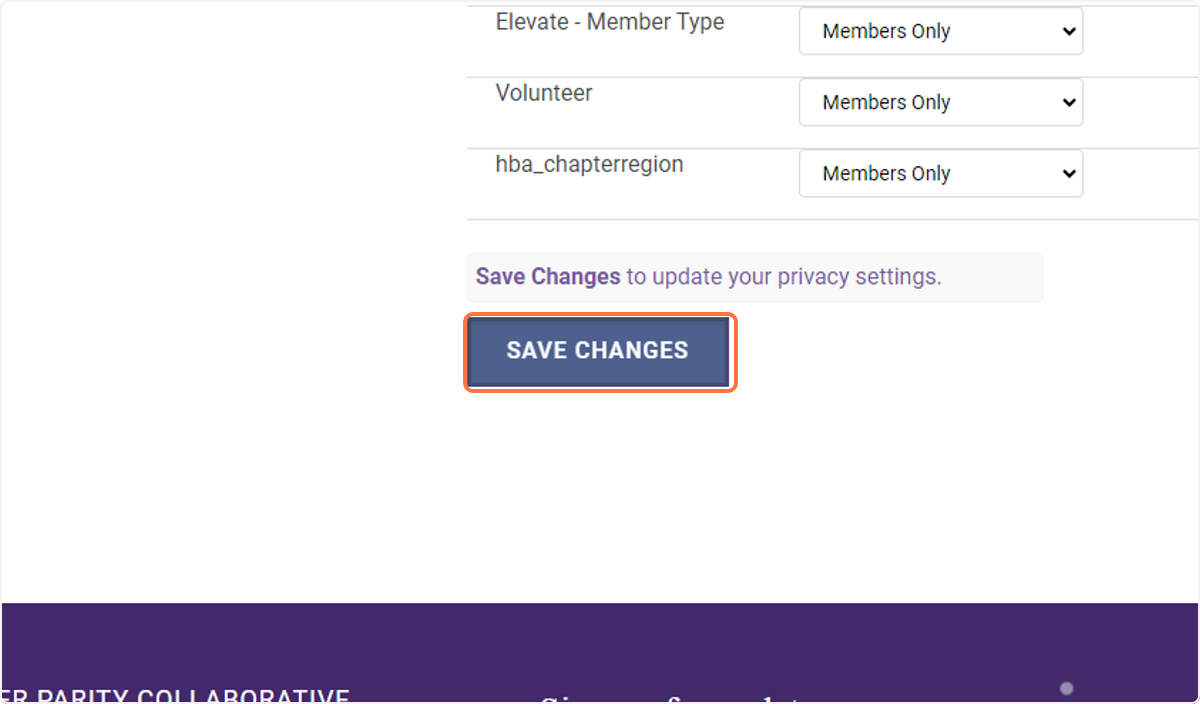
8. Click on SAVE CHANGES