1. Log into your HBA account
2. Click on Profile

3. Scroll down to the "My Chapter Affiliation" section and you will see a sub-section of secondary chapters. Simply click "Edit Chapter List".

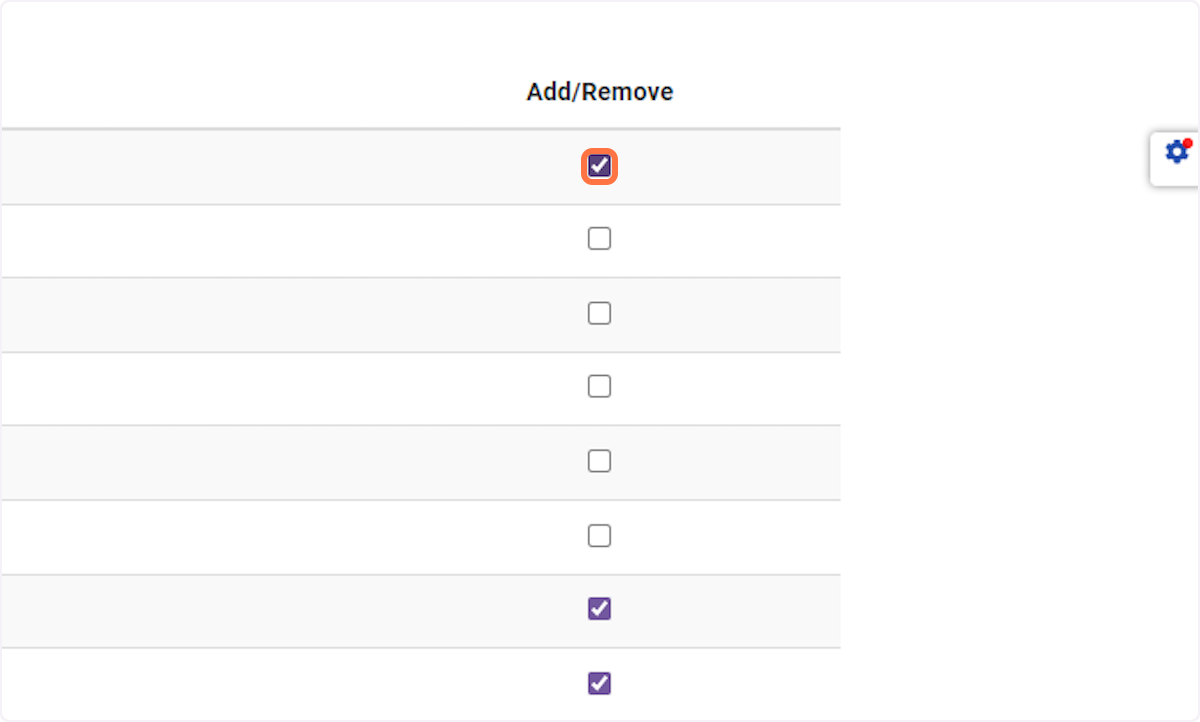
4. All of the chapters/regions will appear. Simply check or uncheck the chapters you want to receive email communications on.