1. Log into your HBA account
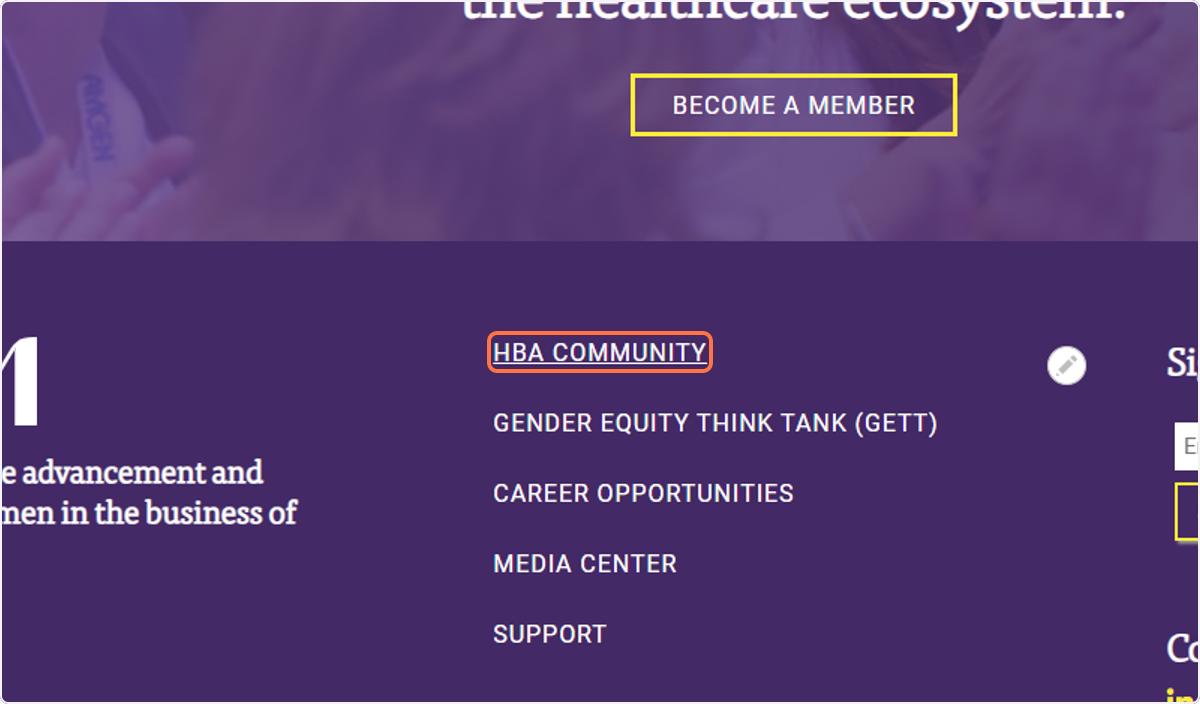
2. Click on HBA COMMUNITY
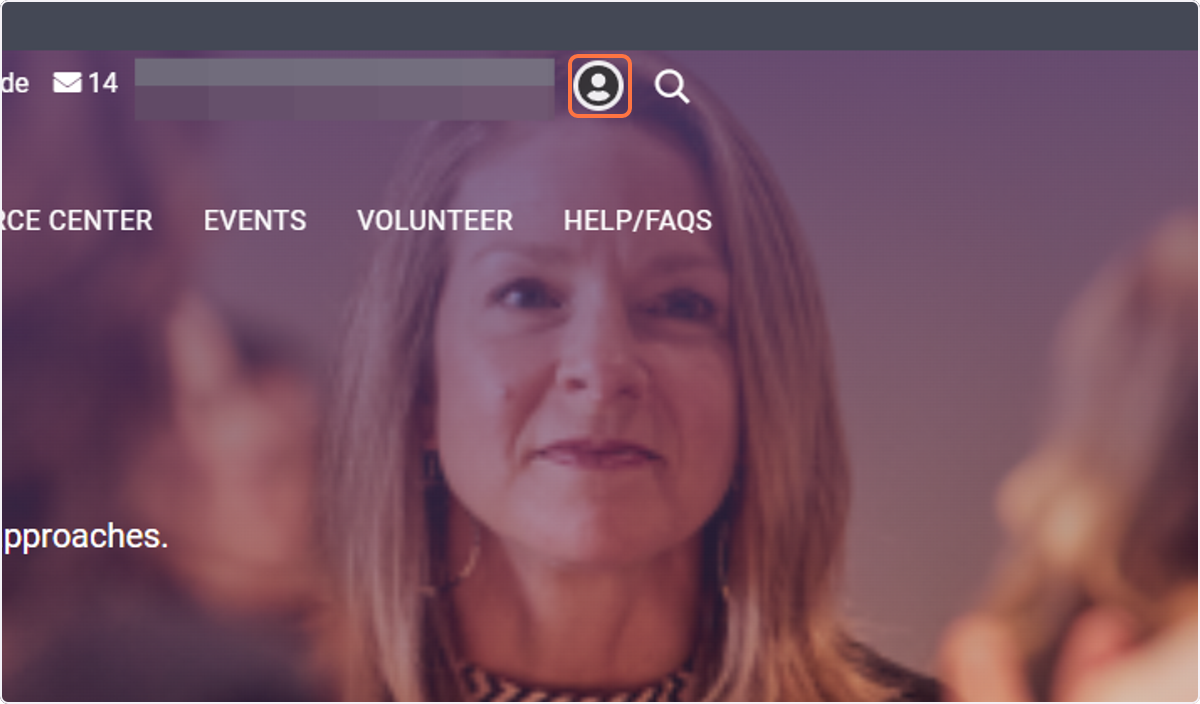
3. Click on your profile picture
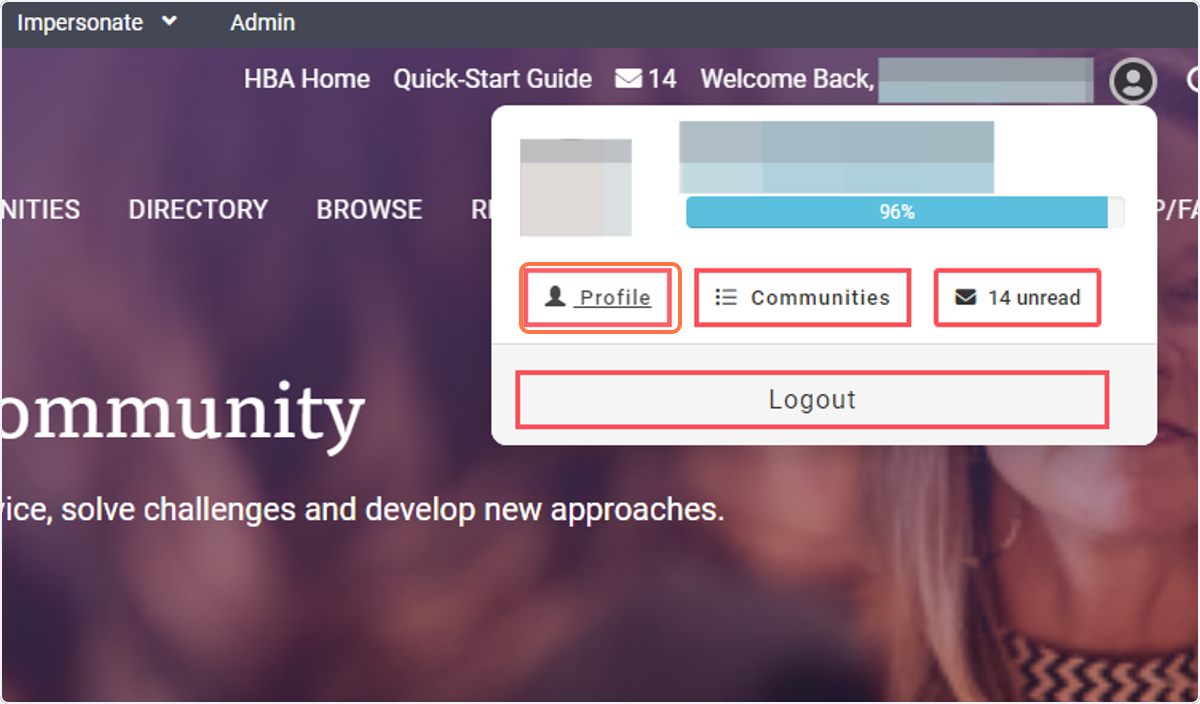
4. Click on Profile
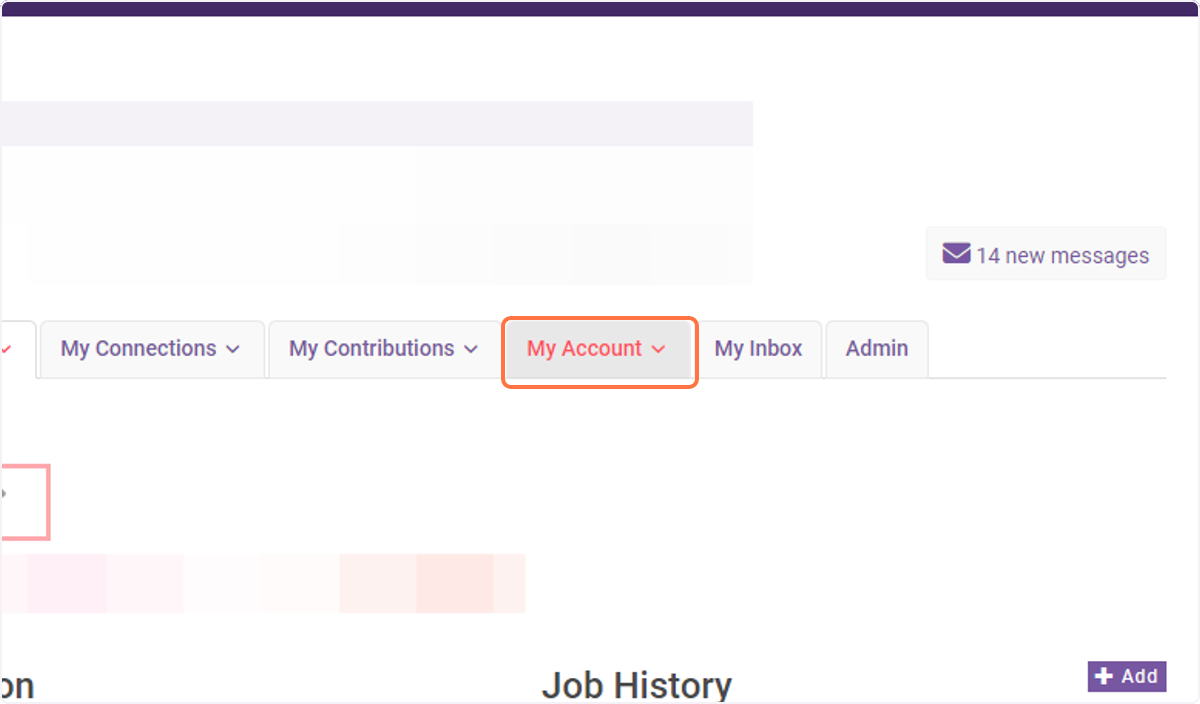
5. Click on My Account
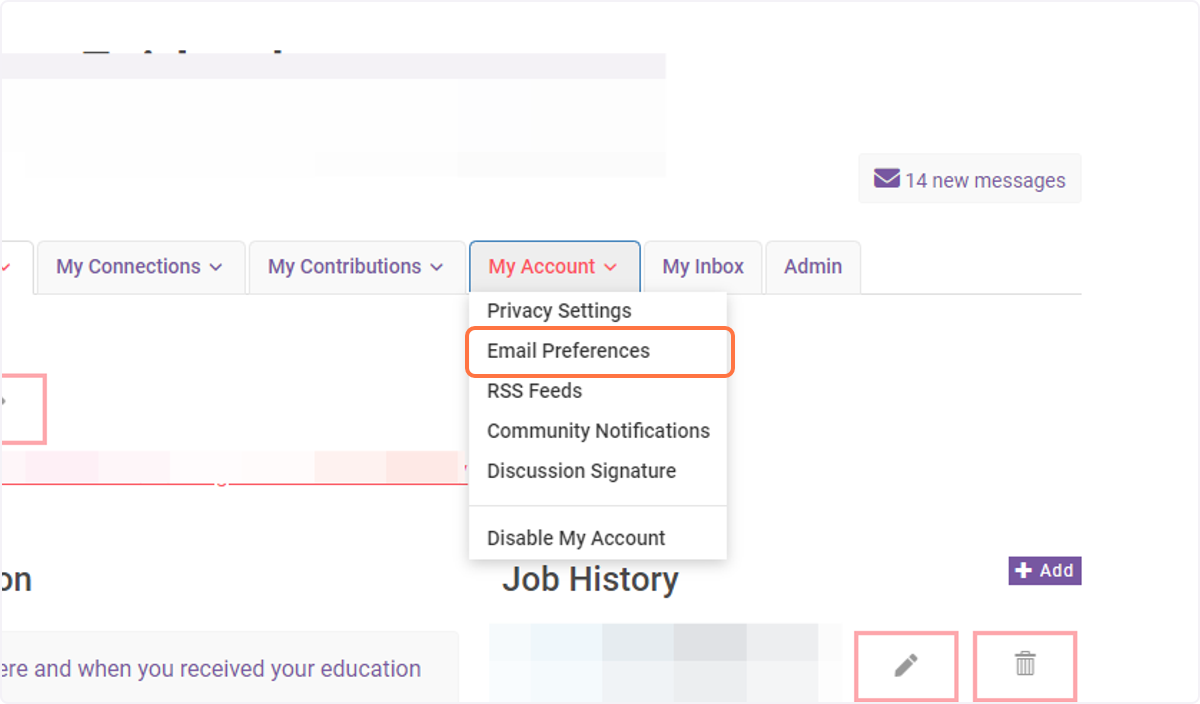
6. Click on Email Preferences
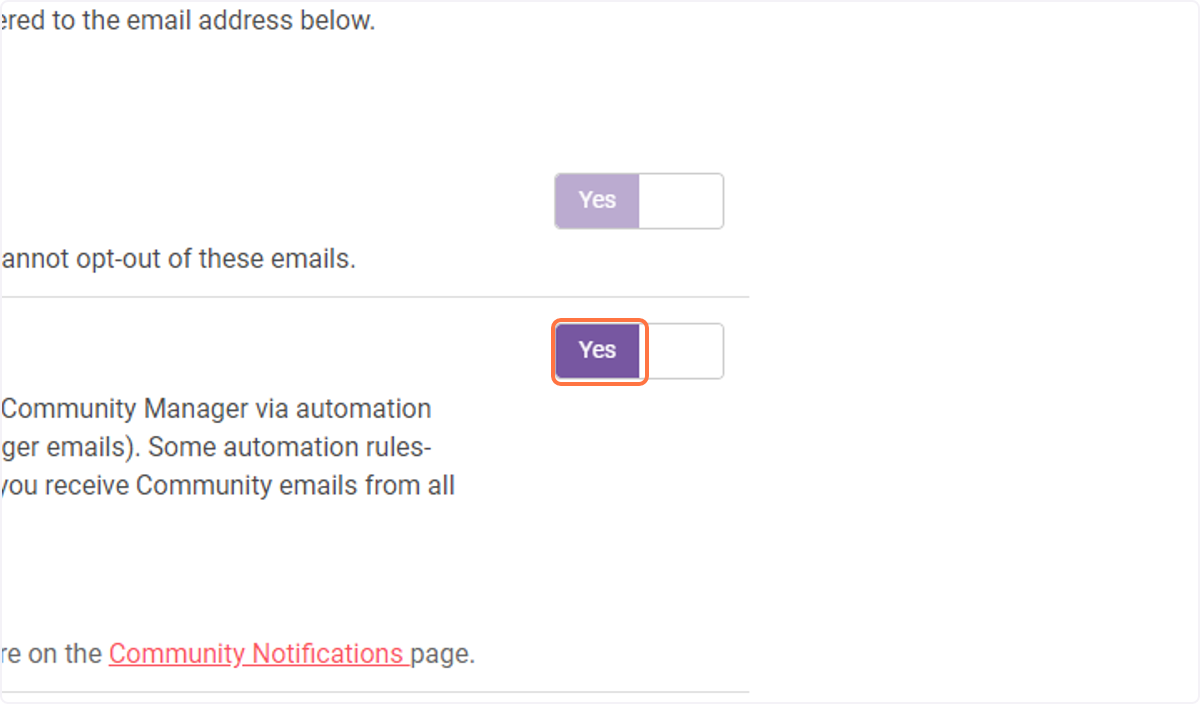
7. Toggle Yes/No next to each of the communications
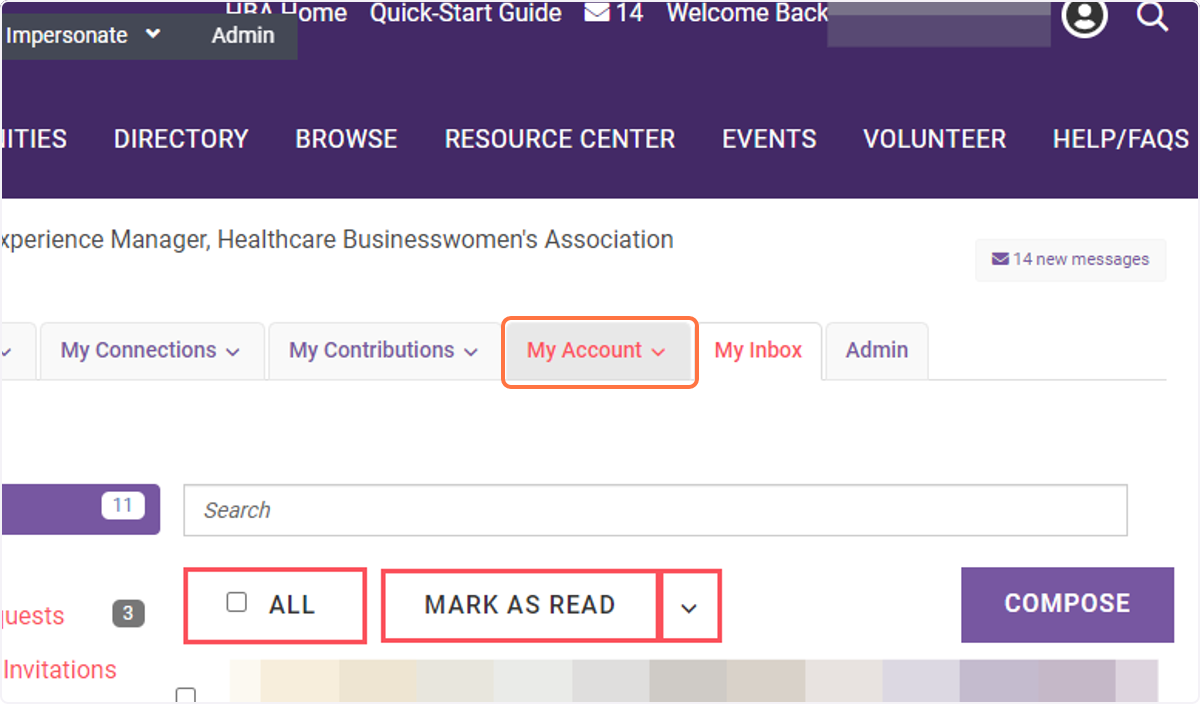
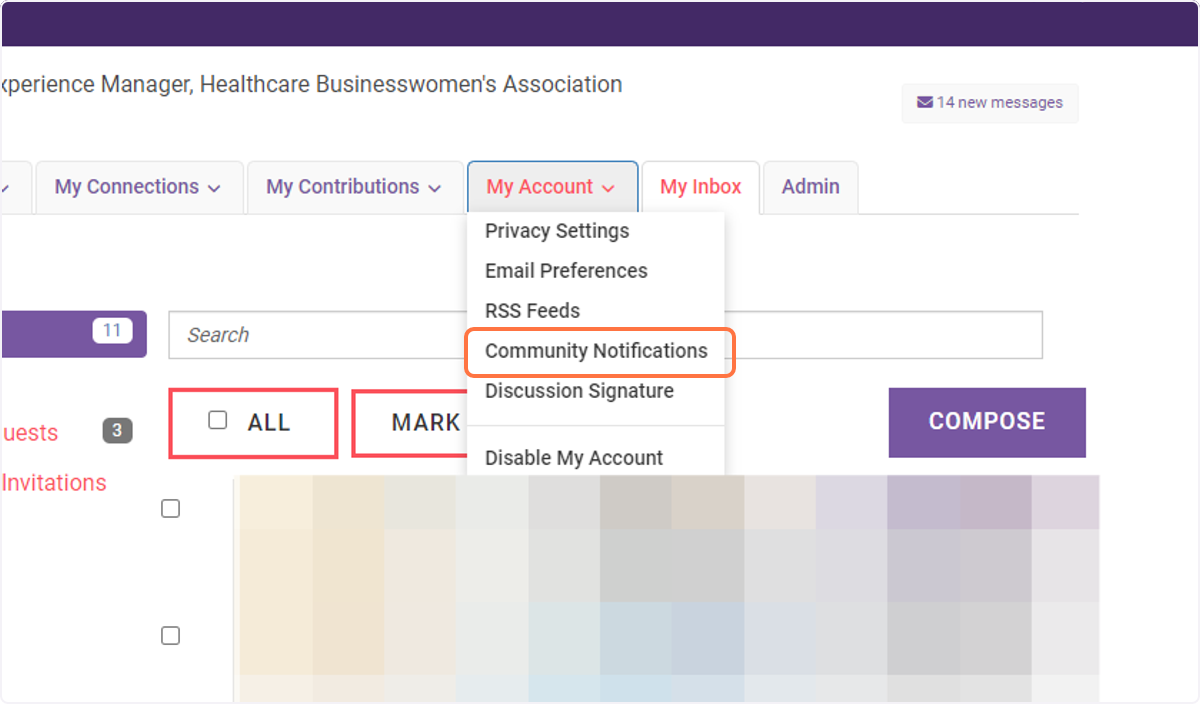
8. Click on My Account
9. Click on Community Notifications
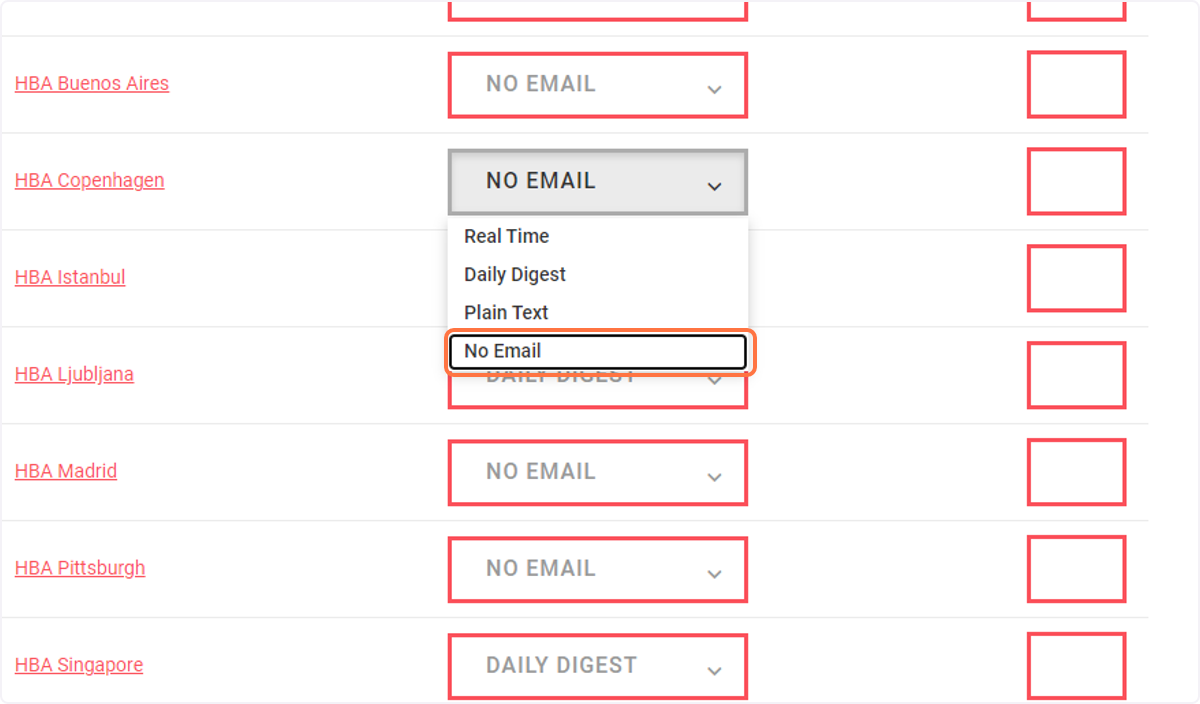
10. Click on No Email